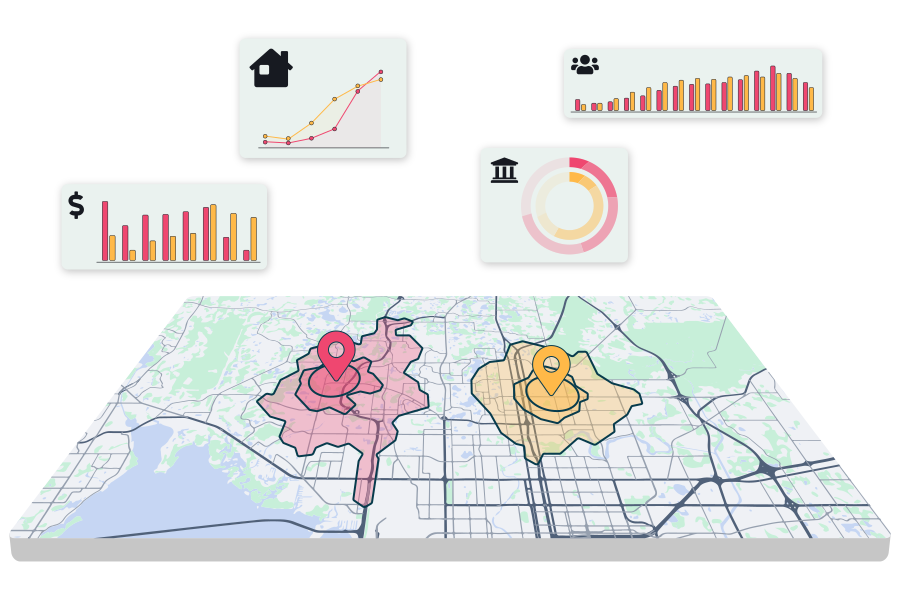
Studying trade areas is your first step in determining demographic characteristics of the population in your market. From income to projected annual household growth, REGIS Online makes it easier to understand who makes up your customers.
A trade area is a defined geographic boundary, such as a radius, drive time, zip code, or custom shape, used to study the demographics, customers, and competition surrounding a specific site. Commercial real estate professionals build trade areas to understand who lives, works, or shops near a location before making leasing, expansion, or investment decisions. REGIS Online lets users create trade areas by radius, drive time, zip code, demographic variable, customer origin, or custom-drawn boundary, then layer on demographic, mobile, traffic, and merchant data to analyze what's inside.
Types of Trade Areas You Can Analyze
The size and shape of your trade area is crucial in targeting the right audience. Choosing the type of trade area that best fits your needs helps build a clearer picture of who is in your area. Choose a trade area from zip code, city, county, MSA, state, and more.
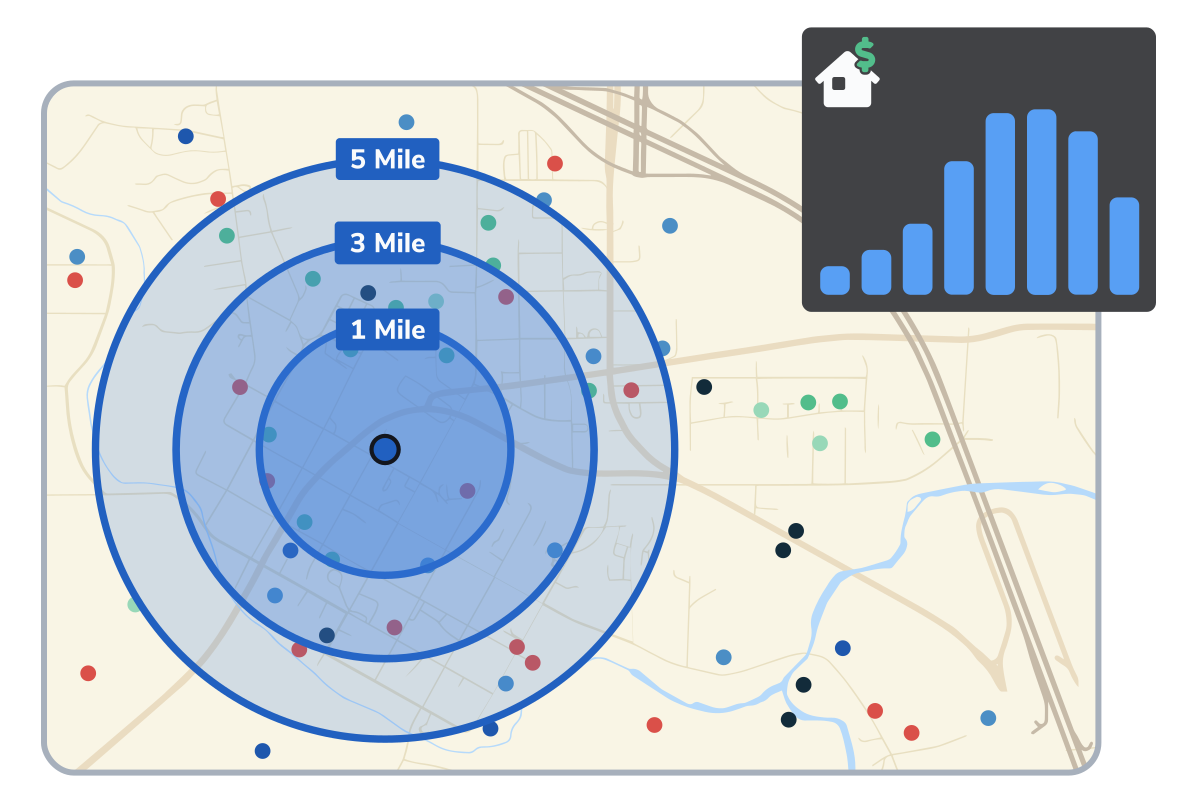
Trade Area Radius
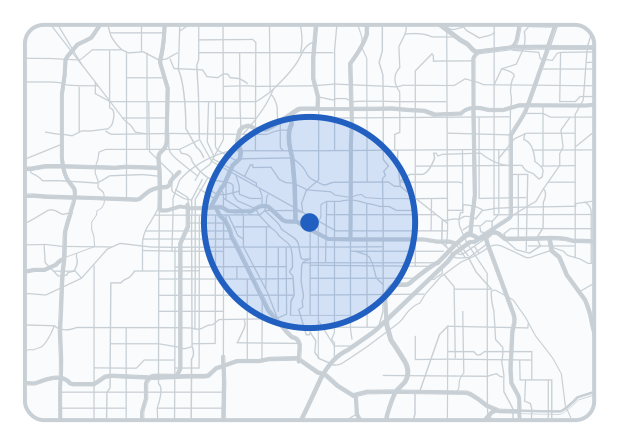
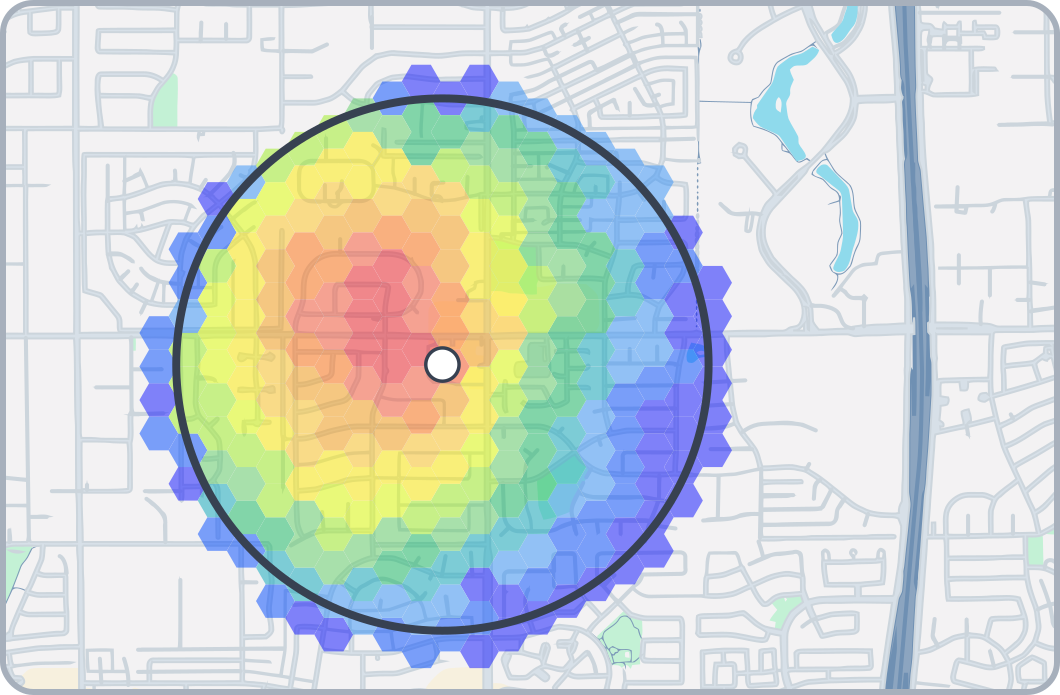
Demographics by radius gathers the data from a specific mileage away from the site's surrounding area.
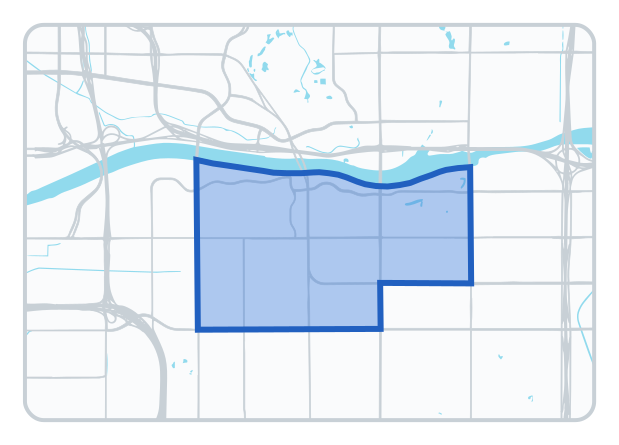
Zip Code Trade Area
Demographics by zip code are pulled from a boundary created around a chosen zip code within your market.
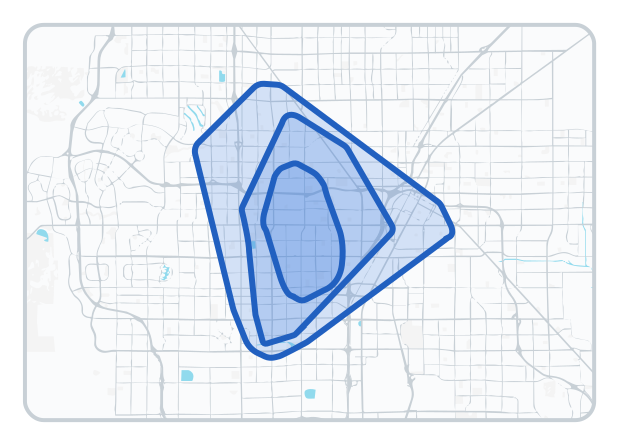
Demographic Trade Area
Trade areas built to contain the targeted demographic variable you're researching.
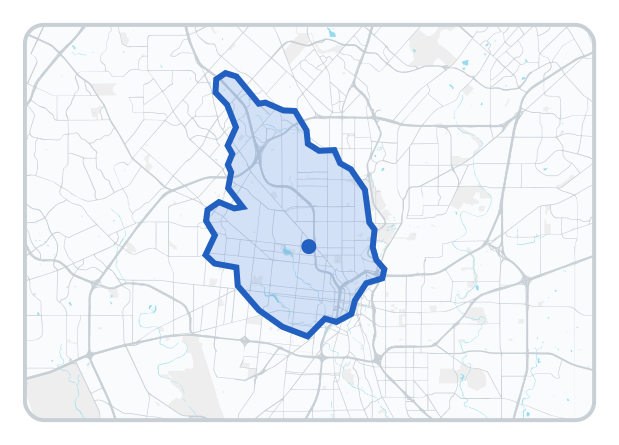
Drive Time Trade Area
A trade area determined by the amount of time it takes a person to commute to a site.
Custom Trade Area
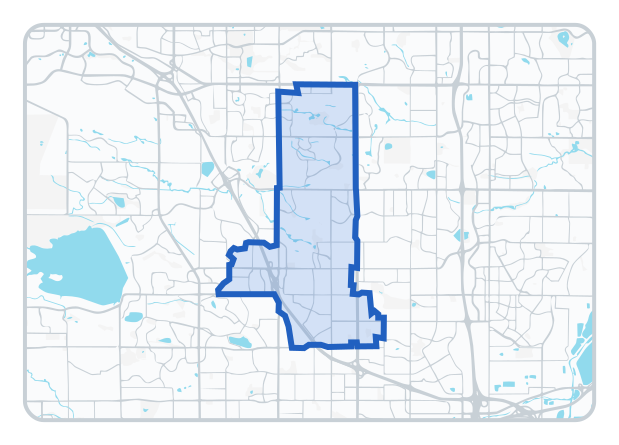
Draw a custom boundary for your trade area as big or small as you need to focus on your desired area.
Customer Origin Trade Area
This trade area captures a site's actual visitors based on where they live and work, built with mobile data.
What Can You Analyze Within a Trade Area?
Once your trade area is built, layer on the data and tools you need to fully understand the site.
Demographics
See income, age, population, education, and hundreds more variables within your trade area.
Before you sign a lease or make an offer, build a trade area around the site to confirm it fits your target customer. Compare demographics, traffic, and competition across a drive time or custom trade area to validate the location before committing capital.
REGIS Online expands your research beyond zip code trade areas. Gain a deeper understanding of your demographic by layering other datasets and tools over your core population data.
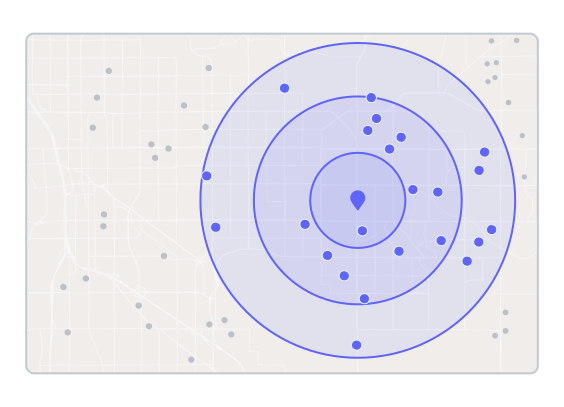
Multiple Radius Rings
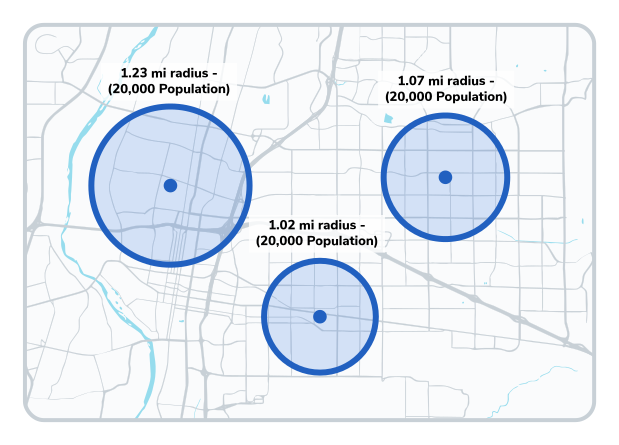
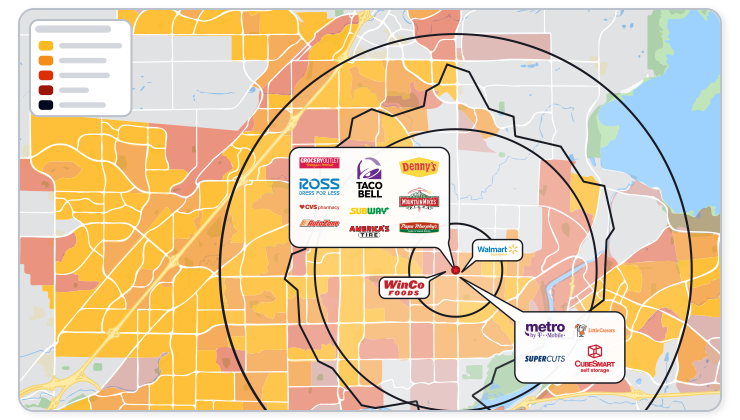
Add up to four radius rings around any of your existing or potential locations with REGIS Online. Customize the size with up to a tenth of a mile precision, so you can see what demographics your site has around it.
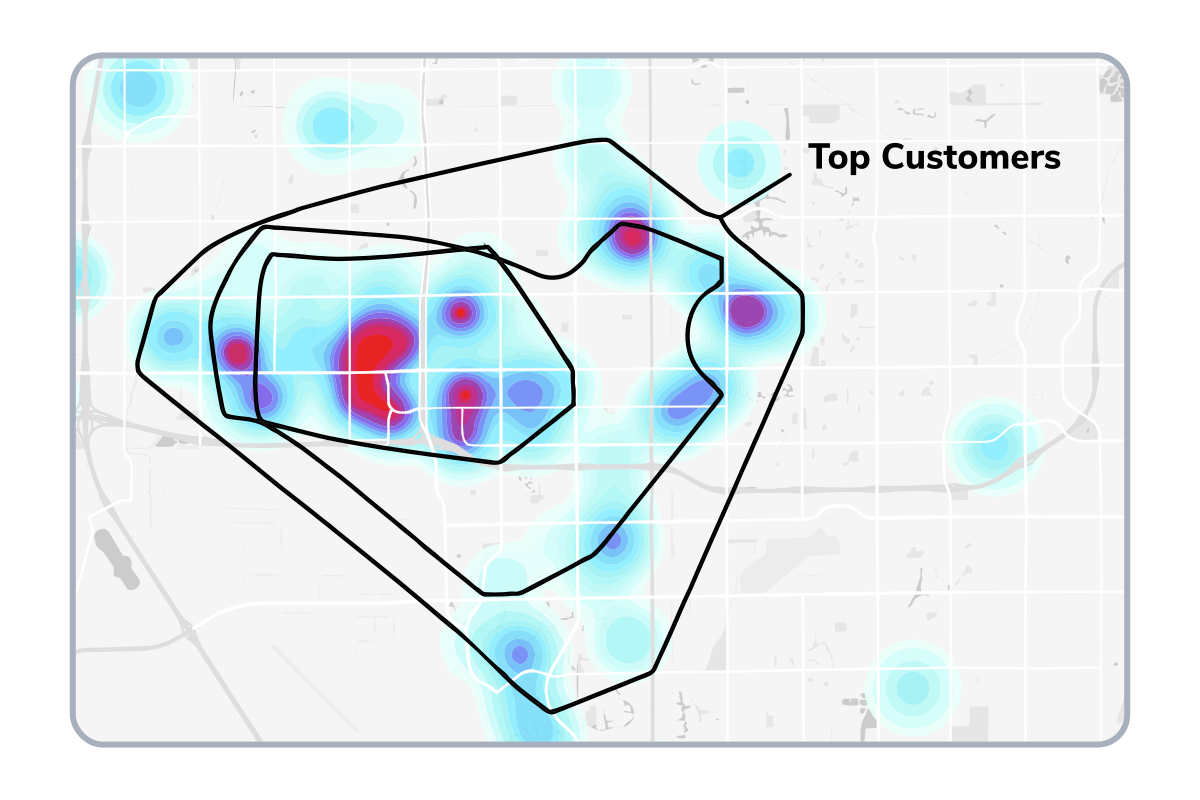
See Customer Origins And Top Visitors
See where customers to a location originate, build a trade area that has the top two-thirds of customers. Created using mobile phone locations, you can see the home or work locations for customers for up to a year
Pick your top desired demographics and find hot spots of where they can be found when you run a market optimization. Pinpoint the best sites in the trade areas you're targeting whether it be a radius or custom trade area.
Retailers use trade area analysis to confirm a market can support a new store, avoid cannibalizing existing locations, and identify which competitors and complementary retailers already operate nearby. Layer merchant locations directly onto your trade area to see the competitive landscape at a glance.
Understand the Demographics Within Your Trade Area
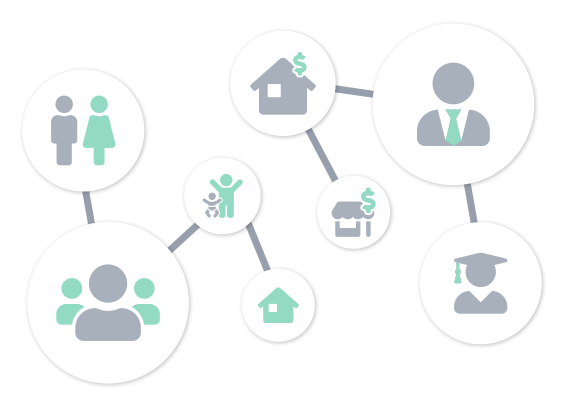
With hundreds of demographics to choose from, you can see all the data you need.
Key Demographics To Make Strategic Decisions
Choose from hundreds of demographic variables to show on a map, or see data for a report. From population to education or households, you can see all the information you need around your site.
Professional Demographic Reports
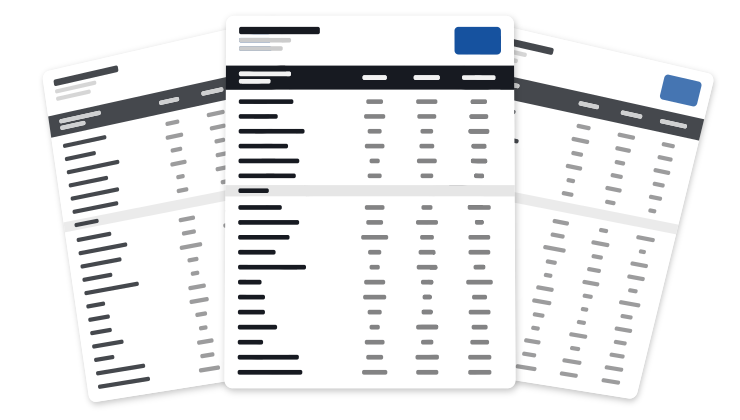
Designed by brokers, our demographic reports include the vital information needed to make strategic decisions. Export as either a PDF or Excel file for even more customization.
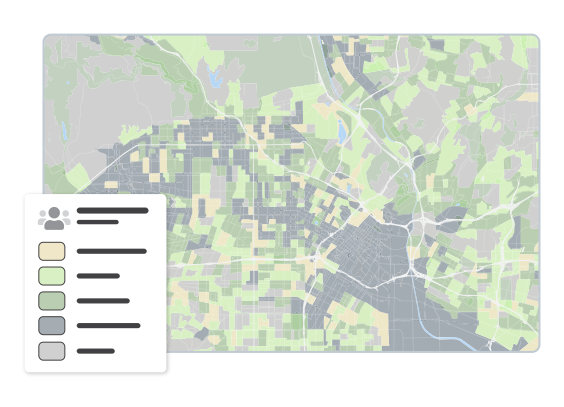
Color areas of your map based on values from a demographic variable. This helps you better spot trends and visualize how market works. Add any of our hundreds of demographics to your map.
We know that the data needs to be as accurate as possible so you can rest easy in your decision making. Sourced from verified data providers in the industry, you can trust our data for your site analysis.
A trade area is a defined boundary around a site, such as a radius, drive time, or zip code, used to analyze the demographics, customers, and competition in that area. It's the starting point for most location intelligence research.
What's the difference between a radius and a drive time trade area?
A radius trade area measures a fixed distance in miles from a site, while a drive time trade area accounts for actual road networks and traffic patterns to show how far someone can travel in a set number of minutes. Drive time is typically more accurate in urban or suburban markets where roads don't allow direct travel.
How is trade area analysis used for site selection?
Trade area analysis confirms whether a site's surrounding demographics, traffic, and competition match a business's target customer before a lease or purchase is finalized. Comparing multiple trade area types, such as drive time versus customer origin, helps validate a location from more than one angle.
What data is included in a trade area report?
A REGIS Online trade area report can include demographics, customer origins from mobile data, traffic counts, and nearby merchant locations, exportable as a PDF or Excel file. See the full list on the Reports page.
Can I draw a custom trade area shape?
Yes. REGIS Online lets you draw a custom trade area boundary as large or small as you need, in addition to standard radius, drive time, zip code, and demographic-based trade areas.
See How REGIS Online can help you
Let's connect and show what REGIS Online can do around one of your properties.