Site Selection Software for
Real Estate and Retail

Evaluate, compare, and validate locations with confidence. REGIS Online brings the data and analytical tools needed for site selection into one platform, so you can move from a target market to the right property faster.

See Sample Maps
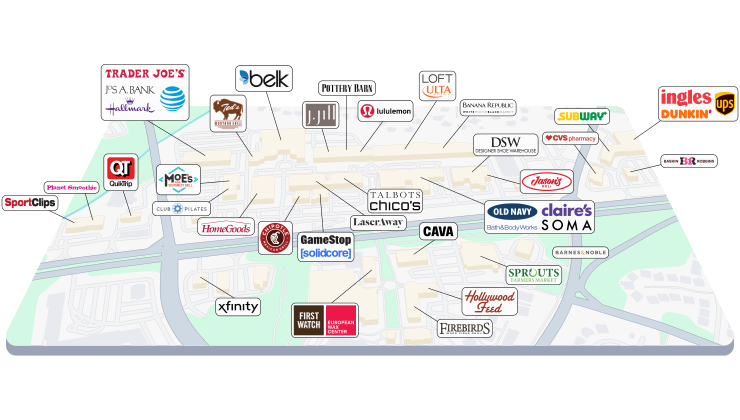
Site selection software comparing commercial real estate locations on a map

What Is Site Selection Software?

Site selection software helps retailers, brokers, and developers evaluate and compare potential locations using demographic, traffic, mobile, and competitive data. Instead of relying on instinct, you grade candidate sites against your criteria and choose the strongest property.

REGIS Online combines that data with built-in analytics, including void analysis, market optimization, and market match, so you can narrow a market down to the strongest available properties. Layer active listings on top to move from research directly to a real deal.

How Site Selection Software Helps
Evaluate Locations

Choosing the wrong site doesn't just waste money - it can cost millions, break client trust, and jeopardize future deals.

Site selection software replaces guesswork with evidence. Instead of researching demographics in one tool, traffic in another, and competition in a third, REGIS Online brings the data and analysis together so you can evaluate a location from every angle before you commit.

Learn About REGIS Online

The Site Selection Process
In REGIS Online

A good site decision answers three questions: where is the demand, who is missing from this market, and is this specific site the right one. Here is how the process works from start to finish.

Step 1: Define The Market

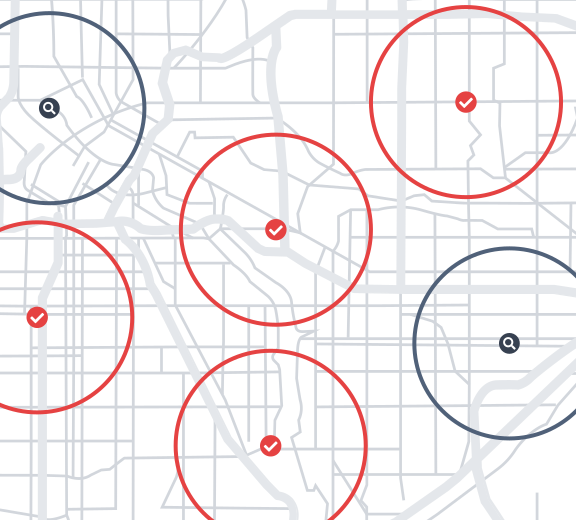
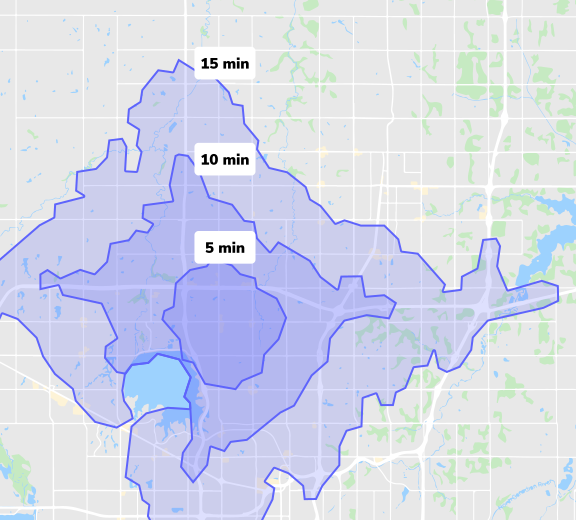
Choose the market and build the trade areas you want to study, using a radius, drive time, zip code, or custom shape.

See Trade Area Analysis

Step 2: Find The Voids

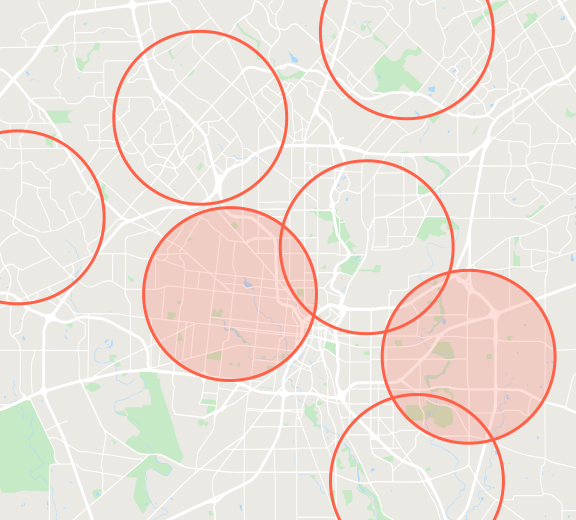
Compare your target area to a larger market to see which retailers are missing and where the opportunity is.

See Void Analysis

Step 3: Profile The Demographics

Study income, population, education, and more around each candidate site to confirm the customers are there.

See Demographic Data

Step 4: Check Traffic And Visitors

Confirm the site sits on the right road with traffic counts, and see where visitors originate with mobile location data.

See Traffic Counts

Step 5: Compare And Grade Sites

Put candidate sites side by side and score every location in a study against your criteria.

See Market Optimization

Step 6: Package And Share

Create maps and reports to share with clients and stakeholders, and layer active listings to point to real properties.

See Sample Reports


Data That Determines
Location Potential

Every site selection decision starts with data. Layer the datasets that matter most onto your map or into your report.

Demographics

See income, population, education, and hundreds more variables around a potential site.

Explore Demographics

Trade Areas

Build a radius, drive time, zip code, or custom trade area to study the market around any site.

Explore Trade Areas

Traffic Counts

Confirm a site sits on the right road with vehicle traffic counts by direction and time of day.

Explore Traffic Counts

Mobile Data

See where a site's visitors originate, and build true trade areas with verified mobile location data.

Explore Mobile Data

Merchants

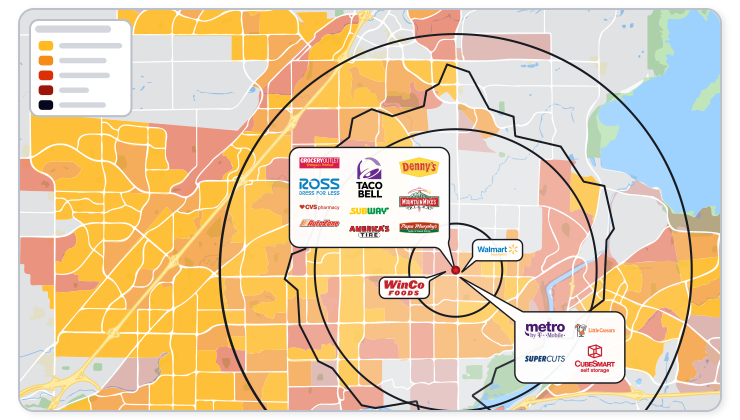
See which competitors and complementary retailers already operate near a candidate site.

Explore Merchant Data

Active Listings

Move from a strong market directly to a real, available property with active listings layered on the map.

Explore Active Listings

Site Selection Analytics

Data tells you what's around a site. Site selection analytics tells you which sites are worth pursuing.

Market Optimization

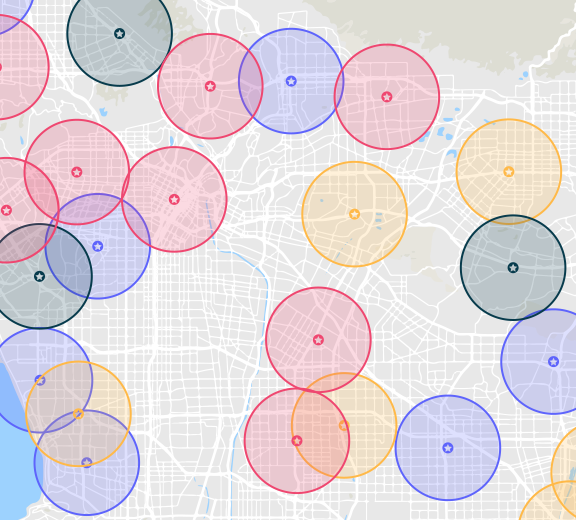
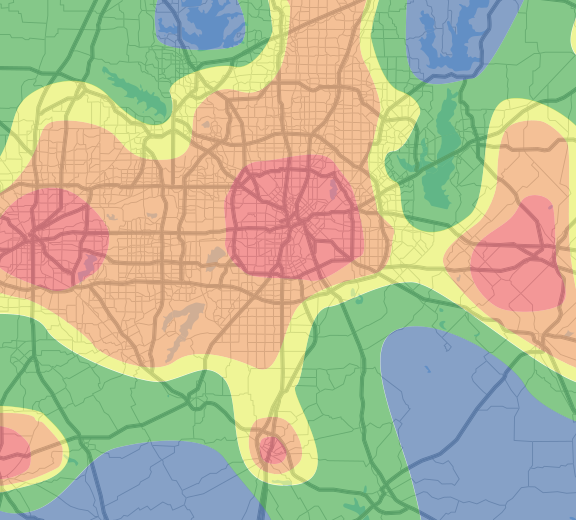
Weight the demographics that matter and grade every location in a market against your model.

Explore Market Optimization

Market Match

Build a profile from your top-performing sites and find new markets that share the same traits.

Explore Market Match

Void Analysis

Compare a target area to a larger market to see which retailers are missing, and where the opportunity is.

Explore Void Analysis

Co-Tenant Analysis

See which retailers frequently appear near your preferred co-tenants to find markets that fit.

Explore Co-Tenant Analysis
Retail site selection map showing merchants around a candidate location

Retail Site Selection Software

Retailers use site selection software to confirm a market can support a new store before signing a lease. Combine demographics, trade areas, and mobile visitation data to validate customer fit, run void analysis to find markets without your brand, and use market match to find areas that resemble your best-performing stores. For an example, see how seven premium grocery brands compare in this site selection analysis.

See Retail MappingSee Tenant Tools

Real Estate Site Selection For Brokers, Landlords, And Developers

Brokers and developers use site selection software to evaluate properties for clients, tenants, and investment decisions across retail, land, and industrial space. Layer demographics, traffic, and competition onto a map, run market optimization to identify the strongest submarkets, and pull active listings to bring research and inventory together in one place.

Landlords can run void analysis on an open space to see which retailers a market is missing, then target the tenants that fit.

See CRE Mapping SoftwareSee Landlord ToolsSee Active Listings

Compare Locations

Once you've narrowed your search, compare candidate sites directly against each other.

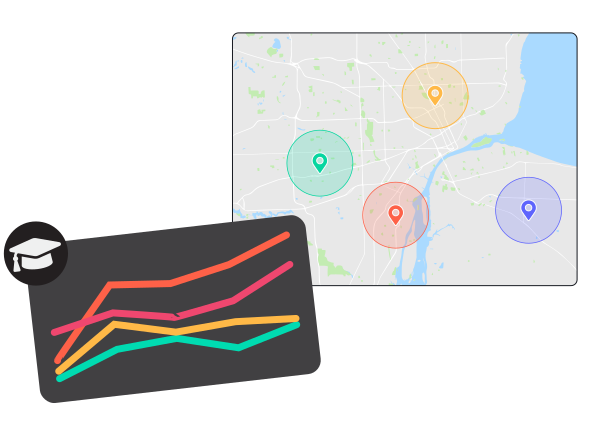
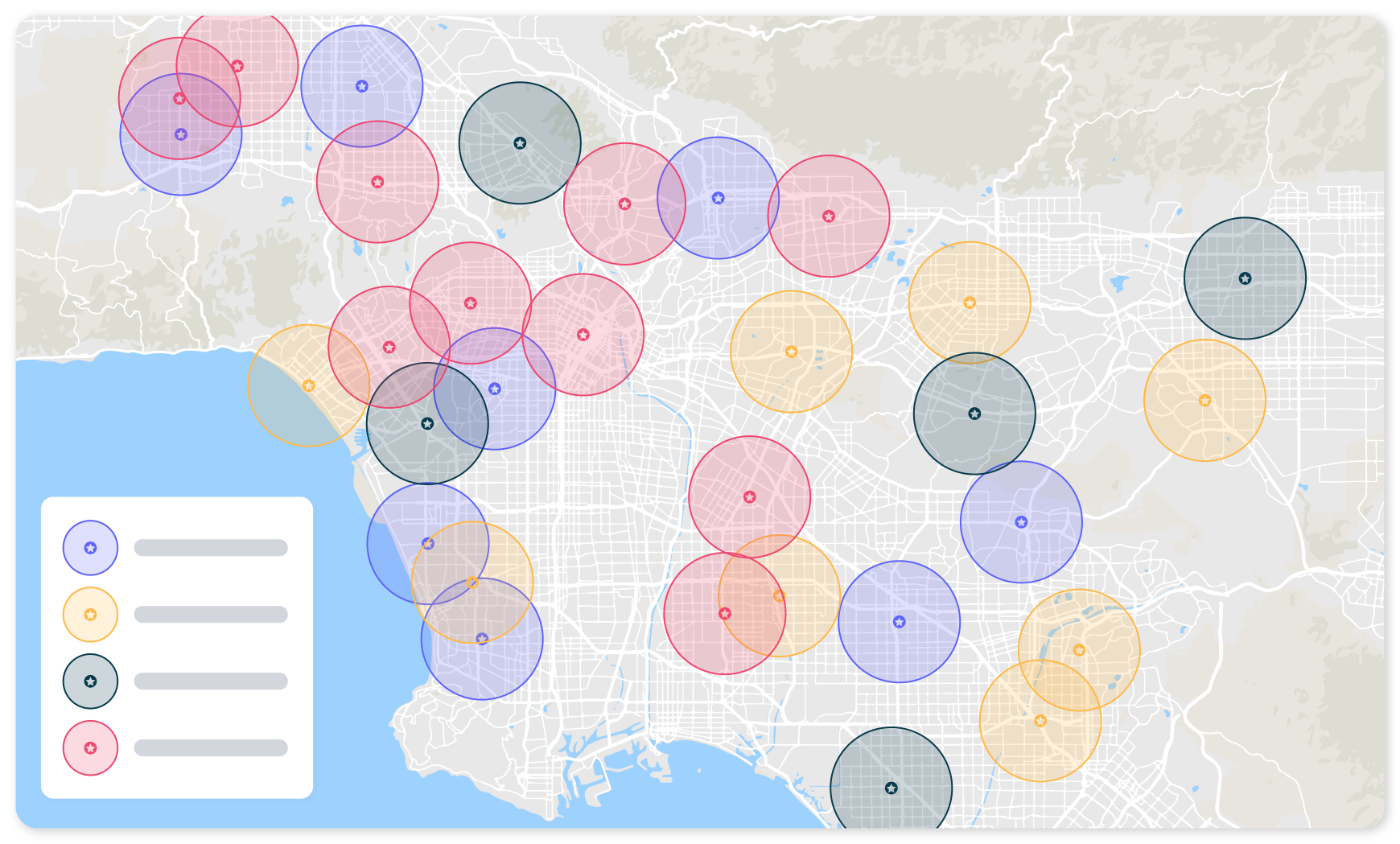
Compare multiple sites side by side in Data View

Compare Up To 4 Sites With Data View

Add widgets for the data types you care most about and compare up to four sites at once. Visualize trends while hovering over values to get actual numbers for each location.

Learn More About Data View
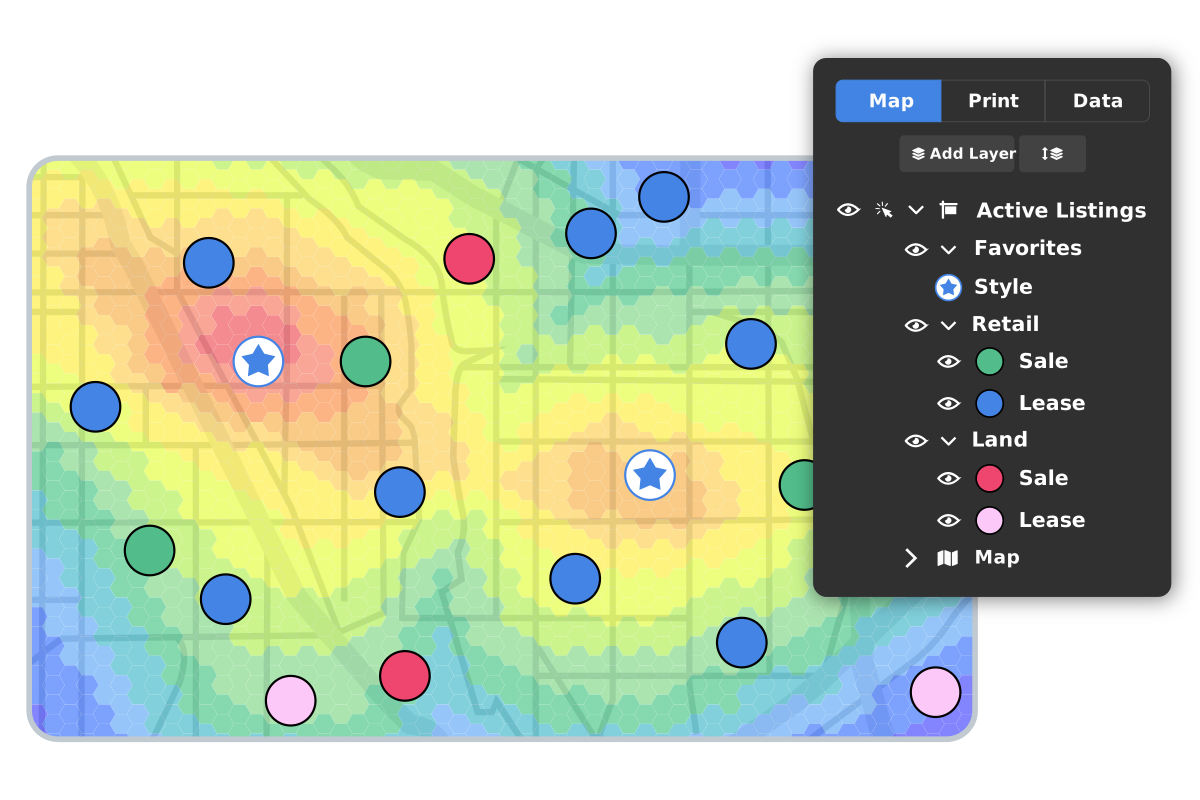
Grade and rank sites against a demographic model

Grade And Rank Sites

Run Market Optimization to score every location in your study against your criteria, then overlay active listings to see which top-graded areas have a real, available property.

Learn About Market Optimization

See What You Can Deliver

Browse sample maps and reports, including demographic reports, traffic count reports, and void analysis reports, to see the output REGIS Online produces for each site selection decision.

See Sample ReportsSee Sample Maps

Site Selection in Action

See how commercial real estate professionals use REGIS Online's data and analytics to make real site selection decisions.

Traffic Count Case Study

See how accurate traffic count data helped a brand choose the right side of the road for a new location.

Read The Case Study

Void Analysis Case Study

See how comparing a target area to a larger market surfaced tenant opportunities for an open lease.

Read The Case Study

Market Optimization Case Study

See how weighted demographic criteria helped narrow a market down to its strongest locations.

Read The Case Study

Trusted By CRE Professionals

REGIS Online's data and analytics support site selection decisions for brokers, retailers, and developers across the country.

What To Look For In
Site Selection Software

Whichever platform you evaluate, these are the questions that separate a mapping tool from a tool that supports the decision.

Is the data included?

Check whether demographics, traffic, mobile data, merchants, and listings come with the platform or must be sourced and loaded separately.

Does it grade sites?

Mapping shows what is around a site. Look for analytics that score and rank locations against your criteria.

Can you compare sites?

You should be able to put candidate locations side by side and see the numbers behind each one.

Does it find the gaps?

Good tools show which retailers and categories a market is missing, not only who is already there.

Can you reach a real property?

Research is most useful when it connects to available space for sale or lease.

What can you share?

Check what maps and reports you can hand to a client, a leadership team, or a landlord.

Why REGIS Online

Most teams piece together site selection from multiple disconnected tools. REGIS Online brings the whole process into one platform.

One Platform, Not Five

Demographics, traffic, mobile data, competition, and listings all live in the same platform as your maps and reports.

Built-In Analytics

Market Optimization, Market Match, Void Analysis, and Retail Fusion turn raw data into a ranked list of opportunities.

From Research To Deal

Layer active listings on top of your analysis to move from market potential to an available property, without switching tools.

Site Selection FAQ

Site selection analysis evaluates a potential commercial real estate location using demographic, traffic, mobility, and competitive data to determine whether it fits a business's needs. REGIS Online combines this data with analytical tools like Market Optimization and Void Analysis to support that evaluation.

Retail site selection typically relies on demographics, trade area analysis, traffic counts, mobile visitation data, and competitor or merchant locations. REGIS Online provides all of these datasets in one platform, alongside active listings.

A demographic report describes a single area, while site selection software compares and grades many locations against your criteria. REGIS Online includes both, letting you run a demographic report on a site or run Market Optimization to rank every site in a market.

GIS software is a general-purpose tool for creating and analyzing maps, and you often supply and manage your own data. Site selection software is built for the location decision itself, with data, analytics, and reports included. REGIS Online combines GIS mapping with that workflow in one platform.

Yes. Data View lets you compare up to four sites side by side, and Market Optimization grades and ranks every location in a study area so you can see which sites are strongest at a glance.

Yes. REGIS Online includes Active Listings, so you can layer available commercial properties for sale or lease directly onto your market research and analysis.

No. While retailers commonly use site selection software to evaluate store locations, brokers and developers also use it across land, retail, and industrial commercial real estate to evaluate properties for clients and investment decisions.

Look for data in one place (demographics, traffic, mobile, merchants, and listings), analytics that grade and rank sites rather than only map them, side-by-side comparison, shareable maps and reports, and a way to move from a strong market to an available property. REGIS Online is built around that workflow.

Explore Related Retail Analysis Tools

Show competition in a market with merchant data in REGIS Online

Retail Mapping

Show the competition in any area across the market.

Fill your open lease faster with void analysis

Void Analysis

Find the best tenants to fill your open lease.

Show traffic patterns in a market with REGIS Online

Traffic Counts

See traffic values at a certain time and day of the week.

See how brands interact with each other using retail fusion

Retail Fusion

See relationships between retailers across the nation.

Add your custom data to any map with REGIS Online

Layer Control

Import your client addresses or other custom information.

Find your top location with your ideal demographics

Market Optimization

See hot spots in a new market based off demographics.

REGIS Online is the best online gis program available

See How REGIS Online can help you

Let's connect and show what REGIS Online can do around one of your properties.